

Introduction
Making money on YouTube is the dream for many creators in 2026. The good news is that YouTube has made it easier for smaller channels to start earning early. You no longer have to wait until you are "huge" to see your first dollar.
In this guide, we will break down the rules for 2026, the two different levels of making money, and the settings you must turn on to stay safe and get paid.
1. Understanding the Two Tiers of Monetization
In 2026, YouTube uses a two-tier system. This means there are two different "milestones" you can hit to start earning revenue from your content.
| Requirement | Tier 1: Early Access | Tier 2: Full Monetization |
|---|---|---|
| Subscribers | 500 | 1,000 |
| Uploads (90 days) | 3 Public Uploads | N/A |
| Watch Hours | 3,000 (Past Year) | 4,000 (Past Year) |
| OR Shorts Views | 3 Million (90 days) | 10 Million (90 days) |
| Revenue Type | Fan Funding (Tips/Members) | Full Ad Revenue + Premium |
Tier 1: Early Access (Fan Funding)
This is for smaller channels that have a loyal audience but aren't quite big enough for major advertising yet. You can earn through Super Thanks, Super Chat, and Channel Memberships.
Tier 2: Full Monetization (Ad Revenue)
This is the "pro" level where you get a share of the money from the ads that play before and during your videos, including Shorts ads and YouTube Premium revenue.
2. Recommended Settings for Success
To get approved and keep your money flowing, you need to set up your channel correctly. Here are the settings experts recommend:
Turn on 2-Step Verification
YouTube will not let you join the Partner Program without this. It protects your account from hackers. Go to your Google Account security settings and turn this on immediately.
Link a Google AdSense Account
This is the "bank" where YouTube sends your money. You must create an AdSense account and link it to your channel.
Warning:AdSense Account Name
Set Your "Advertiser-Friendly" Category
In your YouTube Studio settings, make sure your channel category is correct (like "Education" or "Gaming"). If your content is "clean" (no bad language or violence), more companies will want to put ads on your videos.
3. How to Apply (The Process)
Once you hit the numbers (500 or 1,000 subscribers), you don't automatically start making money. You have to submit an application for review.
Open YouTube Studio
Access the Studio via the web or mobile app to manage your channel's earnings.
Tap 'Earn'
Look for the dollar sign icon or the 'Earn' tab in the main navigation menu.
Click 'Apply Now'
If you meet the eligibility criteria, the application button will be active and blue.
Wait for Review
YouTube's team will manually review your content. This usually takes 1-2 weeks.
4. Why Channels Get Rejected (And How to Avoid It)
In 2026, YouTube is very strict about "Original Content." Here is what to avoid to ensure your application is successful:
- Low-Effort AI Content: If you use an AI voice over stock photos without adding your own personality, you may be rejected for "reused content."
- Copyrighted Music: Always use the YouTube Audio Library for safe, free music.
- Misleading Thumbnails: If your picture shows one thing but the video is about something else, YouTube flags this as "spam."
5. How to Reach the Goals Faster
The jump to 4,000 watch hours can feel daunting. Here is how to speed up the process:
- Make Videos Over 8 Minutes: These help you accumulate watch hours faster and allow for more ad slots.
- Post Shorts Regularly: Use Shorts to find new subscribers while using long videos to gain watch hours.
- Check Your Analytics: Analyze which segments of your videos have the highest retention and double down on what works.
Tip:Content Length
Summary
Monetization in 2026 is about being consistent and original. Focus on reaching 500 subscribers first so you can turn on "Super Thanks" and start earning from your biggest fans. Once you hit 1,000, you are ready for the big leagues!
Spread the Knowledge
If you found this guide helpful, share it with your network!
You Might Also Like
Handpicked guides and fixes related to what you just read.

How to Find the Best Snapchat Filters for Your Selfies in 2026
Discover the most popular Snapchat filters in 2026. Learn how to find, use, and save the best lenses for your selfies and videos.
Read more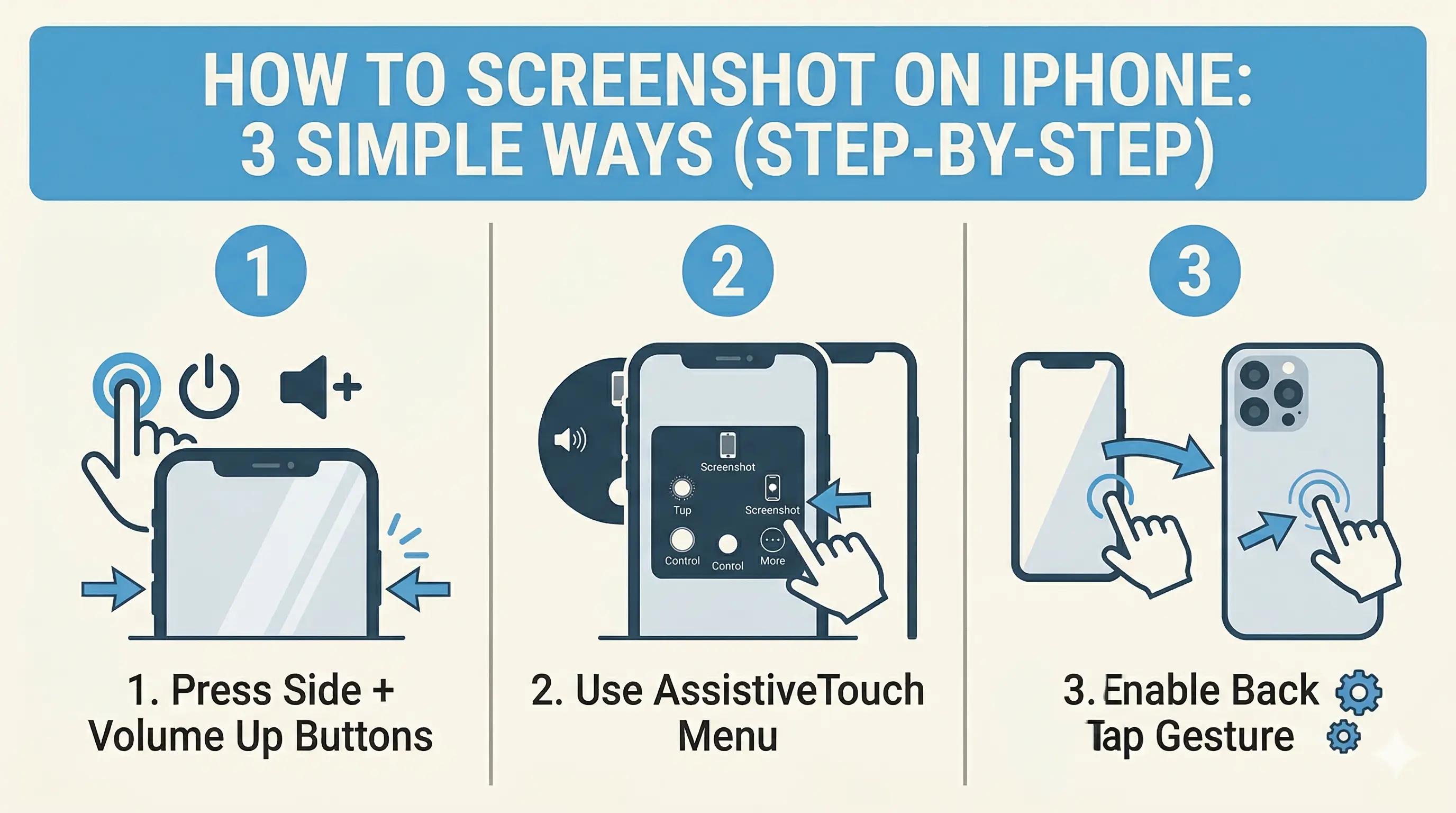
How to Screenshot on iPhone: 3 Simple Ways (Step-by-Step)
Capture your iPhone screen like a pro! Discover the hidden Back Tap feature, AssistiveTouch shortcuts, and the classic button method for seamless screenshots.
Read more
How to Protect Your WhatsApp Privacy from Screenshots (Real Working Methods)
Concerned about WhatsApp privacy? Learn the real ways to protect your chats and media from screenshots, even though WhatsApp doesn't have a direct 'block' feature yet.
Read more
How to Replace Windows with Linux (Ubuntu) Permanently: A Complete Step-by-Step Guide
A complete, beginner-friendly guide to replacing Windows with Ubuntu Linux permanently. Learn how to back up your files, extract your Windows key, disable BitLocker, configure BIOS settings, and run a clean installation.
Read more